

Hey there! As a supplier of attendance punching machines, I've seen firsthand how crucial these devices are for businesses of all sizes. Whether it's a small startup or a large corporation, keeping track of employee attendance is a must. But what software requirements does an attendance punching machine need to function effectively? Let's dive in and find out.
1. User - Friendly Interface
First off, the software for an attendance punching machine should have a user - friendly interface. Employees shouldn't have to scratch their heads to figure out how to punch in and out. A simple, intuitive design makes it easy for everyone to use. For example, large buttons for punching in and out, clear instructions, and a clean layout. This reduces the learning curve for new employees and minimizes errors.
Imagine an employee who is in a hurry to start work. They don't have time to read a long manual or fumble around with a complicated interface. A well - designed software interface ensures that they can quickly and easily record their attendance.
2. Compatibility
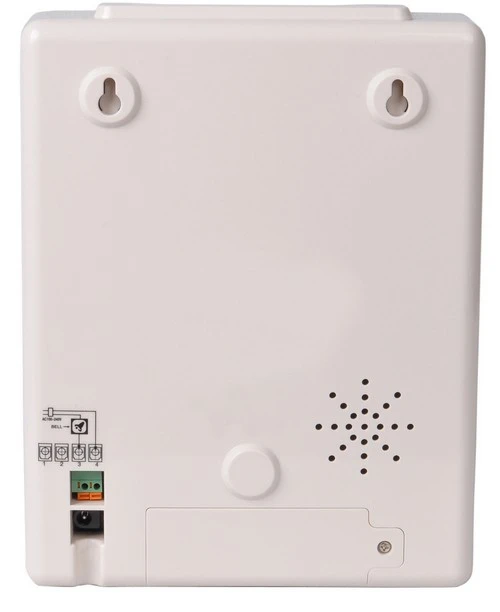
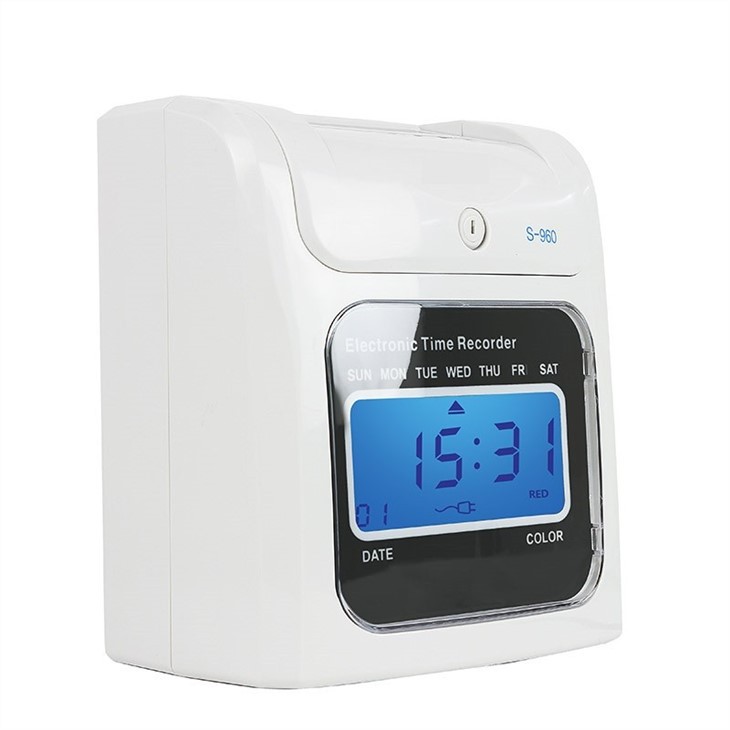
The software needs to be compatible with different types of attendance punching machines. We offer a variety of machines, like the Bundy Clock Time Recorder With Built - in Battery. This device has its own unique features, and the software should be able to work seamlessly with it.
It also needs to be compatible with different operating systems. Whether your business uses Windows, macOS, or Linux, the software should run smoothly. This allows businesses to choose the operating system that suits them best without worrying about compatibility issues.
3. Data Management
One of the most important aspects of attendance punching machine software is data management. The software should be able to store, organize, and retrieve attendance data efficiently. It should record the time of punching in and out, the date, and the employee ID.
This data can be used for various purposes, such as payroll processing, performance evaluation, and compliance with labor laws. For example, if there's a dispute about an employee's working hours, the software can provide accurate records.
The software should also have backup and recovery options. Data loss can be a nightmare for businesses, so having a reliable backup system is essential. It should be able to automatically back up data at regular intervals and allow for easy recovery in case of a system failure.
4. Reporting and Analytics
Good attendance punching machine software should offer robust reporting and analytics features. Managers can generate reports on employee attendance, such as daily, weekly, or monthly summaries. These reports can show things like the number of absences, late arrivals, and overtime hours.
Analytics tools can help businesses identify trends and patterns in employee attendance. For example, if there's a particular day of the week when a lot of employees are late, managers can investigate the cause and take appropriate action.
5. Security
Security is a top priority when it comes to attendance data. The software should have strong security measures in place to protect employee information. This includes encryption of data both in transit and at rest.
Access to the software should be restricted to authorized personnel only. Password protection, user roles, and permissions can be used to ensure that only managers and HR staff can access sensitive attendance data.
6. Integration
The attendance punching machine software should be able to integrate with other business systems. For example, it can integrate with payroll software. This allows for seamless transfer of attendance data to the payroll system, reducing the need for manual data entry and minimizing errors.
It can also integrate with human resources management systems (HRMS). This provides a more comprehensive view of employee information, including attendance, performance, and training.
7. Mobile Access
In today's mobile - first world, having mobile access to the attendance punching machine software is a big plus. Employees can punch in and out using their smartphones, which is especially useful for remote workers or those who are on the go.
Managers can also access attendance data on their mobile devices, allowing them to stay informed about employee attendance even when they're not in the office.
8. Customization
Every business has its own unique needs when it comes to attendance management. The software should be customizable to meet these specific requirements. For example, businesses can set different rules for punching in and out, such as flexible working hours or shift patterns.
They can also customize the reports and analytics to focus on the data that's most important to them. This flexibility allows businesses to tailor the attendance punching machine software to their specific needs.
9. Technical Support
Last but not least, reliable technical support is essential. If there are any issues with the software, businesses need to be able to get help quickly. Our company offers 24/7 technical support to ensure that our customers can resolve any problems as soon as possible.
Whether it's a software glitch, a connectivity issue, or a question about how to use a particular feature, our support team is always ready to assist.
If you're in the market for an attendance punching machine and want a software solution that meets all these requirements, we're here to help. We have a wide range of time punch clock for small business and Electronic Punch Card Time Recorder options, along with software that is designed to make attendance management a breeze.
If you're interested in learning more about our products and how they can benefit your business, don't hesitate to reach out. We're happy to discuss your specific needs and provide you with a customized solution. Let's work together to make your attendance management more efficient and hassle - free.
References
- Various industry reports on attendance management software
- Internal research and development data from our company